Office 365 Enterprise Licensing: A Complete Guide to E1, E3, E5 & Business Premium
What Is Office 365 Enterprise Licensing?
Office 365 (now Microsoft 365) is a powerful suite of cloud-based tools for business productivity. But with multiple plans-E1, E3, E5, and Business Premium-how do you know which one is right for you?
This guide breaks down the differences, features, and pricing so you can make the best choice for your organization.
Why Choose an Enterprise Plan?
Choosing the right Office 365 license can reduce costs, enhance security, and simplify IT management.
| Benefit | Impact |
|---|---|
| Lower licensing costs | Avoid paying for unnecessary features |
| Automatic updates | Stay current without manual patches |
| Simplified management | Centralized control, faster onboarding |
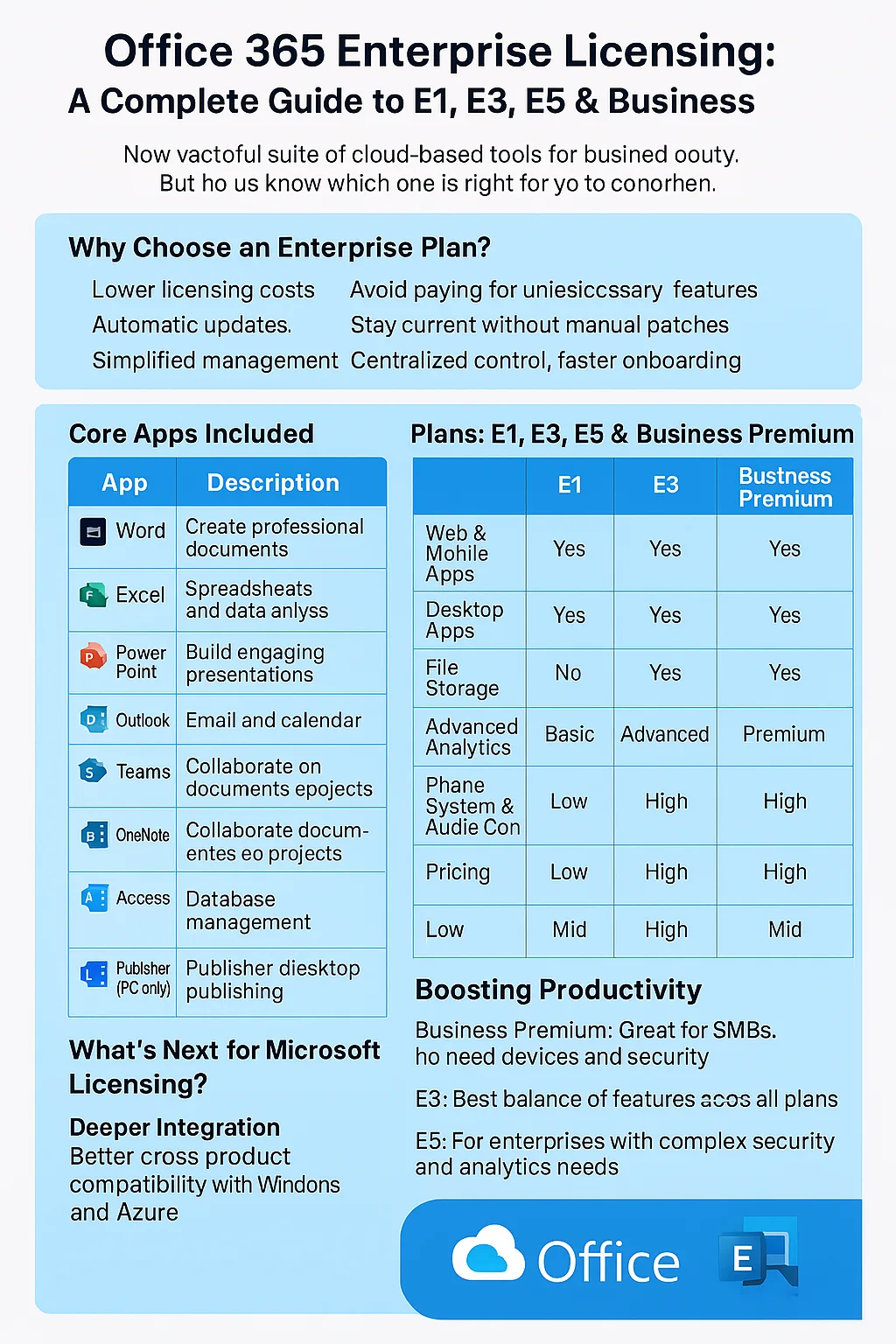
Comparing Microsoft 365 Plans: E1, E3, E5 & Business Premium
Overview of Each Plan
- E1: Basic cloud tools, no desktop apps
- E3: Most popular plan with advanced security
- E5: Premium features like analytics and voice
- Business Premium: Designed for small businesses
Core Apps Included
| App | Description |
|---|---|
| Word | Create professional documents |
| Excel | Spreadsheets and data analysis |
| PowerPoint | Build engaging presentations |
| Outlook | Email and calendar |
| Teams | Chat, video calls, meetings |
| OneDrive | Secure cloud storage |
| SharePoint | Collaborate on documents and projects |
| OneNote | Take and organize notes |
| Access (PC only) | Database management |
| Publisher (PC only) | Marketing and desktop publishing |
Feature Comparison Table
| Feature | E1 | E3 | E5 | Business Premium |
|---|---|---|---|---|
| Web & Mobile Apps | Yes | Yes | Yes | Yes |
| Desktop Apps | No | Yes | Yes | Yes |
| Email Hosting | Yes | Yes | Yes | Yes |
| File Storage | Yes | Yes | Yes | Yes |
| Security & Compliance | Basic | Advanced | Premium | Advanced |
| Advanced Analytics | No | No | Yes | No |
| Phone System & Audio Conferencing | No | No | Yes | No |
| Pricing | Low | Mid | High | Mid |
Security & Compliance
Security is essential. Here’s how each plan stacks up:
| Feature | E1 | E3 | E5 |
|---|---|---|---|
| Email Encryption | Yes | Yes | Yes |
| DLP (Data Loss Prevention) | Basic | Advanced | Advanced |
| Malware/Phishing Protection | Yes | Yes | Premium |
| MFA (Multi-Factor Authentication) | Yes | Yes | Yes |
| Conditional Access | No | Yes | Yes |
| Audit Logs | Short-term | Long-term | Long-term |
| eDiscovery | Basic | Advanced | Premium |
Boosting Productivity
- Business Premium: Great for SMBs who need devices and security
- E3: Best balance of features and price
- E5: For enterprises with complex security and analytics needs
What’s Next for Microsoft Licensing?
| Trend | What It Means |
|---|---|
| Deeper Integration | Better cross-product compatibility with Windows and Azure |
| AI & Copilot Tools | More intelligent features across all plans |
| Security Upgrades | Improved defense against cyberthreats |
Frequently Asked Questions
What’s the difference between E1, E3, and E5?
E1 has basic tools. E3 adds compliance and security. E5 includes voice, analytics, and top-tier security.
Can I upgrade between Office 365 plans?
Yes. You can switch through the Microsoft 365 Admin Center, subject to some plan rules.
Do all plans include email hosting?
Yes, Exchange Online email is included in all enterprise-level plans.
Which plan includes analytics?
Only Office 365 E5 includes advanced analytics like Power BI Pro.
How does Office 365 ensure security?
Office 365 includes MFA, encryption, compliance tools, and more-depending on the plan level.
Final Thoughts
Microsoft 365 licensing isn’t one-size-fits-all. Whether you’re a small team or a large enterprise, there’s a plan to match your productivity, compliance, and budget needs. Choose wisely-and unlock the full potential of your tools.
Mark Smith co-founded SmiKar Software in 2015 and has spent the past decade helping organisations solve Microsoft 365 data management challenges. He works with the SmiKar team to build solutions for SharePoint archiving, storage optimisation, governance and compliance, supporting customers from growing businesses through to Fortune 500 enterprises.
More about SmiKar