SharePoint On-Premise vs SharePoint Online: Which One Is Right for You?
Choosing the right SharePoint deployment model can make or break your productivity, security, and IT budget. In this comprehensive guide, we break down SharePoint On-Premise vs SharePoint Online-comparing features, scalability, cost, security, and maintenance-to help you make the smartest decision for your organization.
What is SharePoint On-Premise?
SharePoint On-Premise is hosted on your organization’s own servers. This version offers full control over security, customization, and compliance. It requires dedicated infrastructure and internal IT management, but allows deep integration with internal systems and legacy apps.
What is SharePoint Online?
SharePoint Online is Microsoft’s cloud-based version included with Microsoft 365. It’s scalable, always updated, and accessible anywhere-perfect for remote teams and organizations looking to reduce infrastructure and management overhead.
Side-by-Side Comparison
| Feature | SharePoint On-Premise | SharePoint Online |
|---|---|---|
| Hosting | Your data center | Microsoft cloud |
| Customizations | Full code-level control | Limited by cloud architecture |
| Security | Fully in-house | Managed by Microsoft |
| Scalability | Manual scaling | Instant, flexible |
| Maintenance | Manual updates | Automatic updates |
| Cost Model | CapEx + OpEx | Subscription (OpEx) |
| Offline Access | Yes | Yes |
| Compliance Control | Complete control | Standard compliance templates |
Use Case Scenarios
Choose SharePoint On-Premise if:
- You need granular control over data and systems
- Your organization must meet strict compliance requirements
- You require deep customization or legacy integration Choose SharePoint Online if:
- You want lower infrastructure overhead
- You support remote/hybrid workforces
- You need seamless Microsoft 365 integration
Bonus: Streamline Your SharePoint Storage
Regardless of your deployment choice, managing growing data volumes is a challenge. That’s where Squirrel comes in. Squirrel automatically archives inactive SharePoint documents to secure Azure Blob Storage, reducing costs and improving performance-while maintaining easy access via stub links in the original libraries.
Looking to optimize your SharePoint storage and reduce costs? Contact us today to schedule a Squirrel demo or learn how much you could be saving.
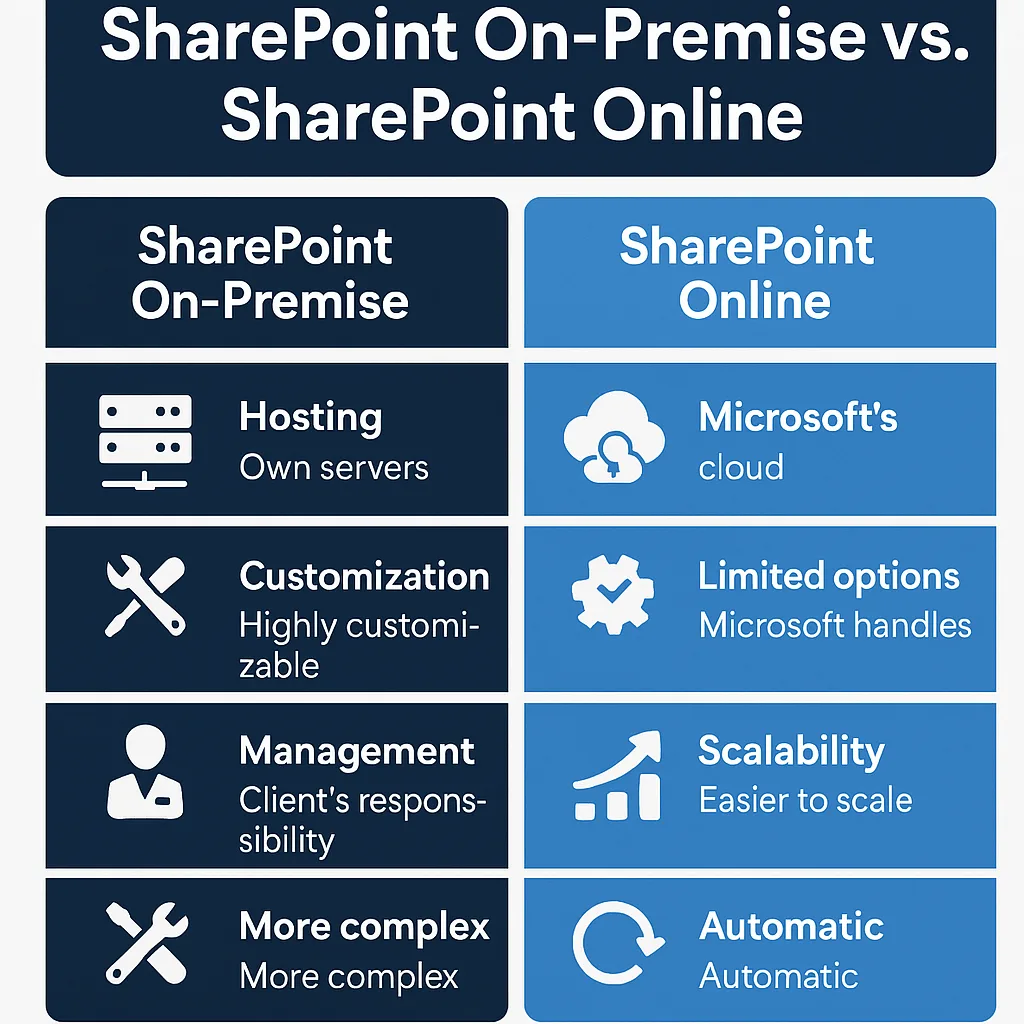
SharePoint On-Premise vs SharePoint Online: Decision Matrix
Here’s a side-by-side decision matrix based on common business needs:
| Business Requirement | Prefer On-Premise | Prefer Online |
|---|---|---|
| Full Control of Data & Infrastructure | Yes You manage servers and storage | No Microsoft manages the infrastructure |
| Advanced Custom Development Needs | Yes Full-trust solutions allowed | No Limited to client-side (SPFx) & Power Platform |
| Lower Initial Cost | No High upfront CapEx | Yes Subscription-based model with lower initial costs |
| Scalability on Demand | No Manual scaling (hardware + config) | Yes Instantly scale with cloud resources |
| Minimal IT Maintenance Overhead | No Requires in-house IT expertise | Yes Microsoft handles updates, patches, backups |
| Offline Access or Internal Network Preference | Yes Can run in isolated or secure networks | No Requires internet connection |
| Regulatory Compliance (strict data rules) | Yes Choose data center, full audit trail control | Yes Microsoft compliance certifications, though less control |
| Remote Work & Device Flexibility | No VPN often needed | Yes Cloud-native, accessible from any device |
| Collaboration and Real-Time Co-Authoring | No Needs configuration or third-party apps | Yes Built-in real-time collaboration via Office apps |
| Updates & Feature Enhancements | No Manual updates, risk of legacy version usage | Yes Always up to date with latest features and security |
Mark Smith co-founded SmiKar Software in 2015 and has spent the past decade helping organisations solve Microsoft 365 data management challenges. He works with the SmiKar team to build solutions for SharePoint archiving, storage optimisation, governance and compliance, supporting customers from growing businesses through to Fortune 500 enterprises.
More about SmiKar